Example Request
Address: 742 Maple St
Service: Lawn mowing
Frequency: Weekly

For Homeowners
You see the quote, know when payment runs, and can look back at what happened on the property without guessing.
A lot of homeowners start here because a contractor is already working nearby.
Address: 742 Maple St
Service: Lawn mowing
Frequency: Weekly
$40 per visit
Weekly service
Start next week
Contractors can use QR codes on signs, trucks, and cards so nearby homeowners can request service without chasing down a number or waiting on a callback.
Send the address, service details, and anything else that helps the contractor quote it right the first time.
The quote screen shows the price, service schedule, and next step in one place so there are no surprises before work starts.
The contractor sends one secure link. No extra app. No extra password to remember. From that link you can approve the work, add payment, and look back at the service record later.
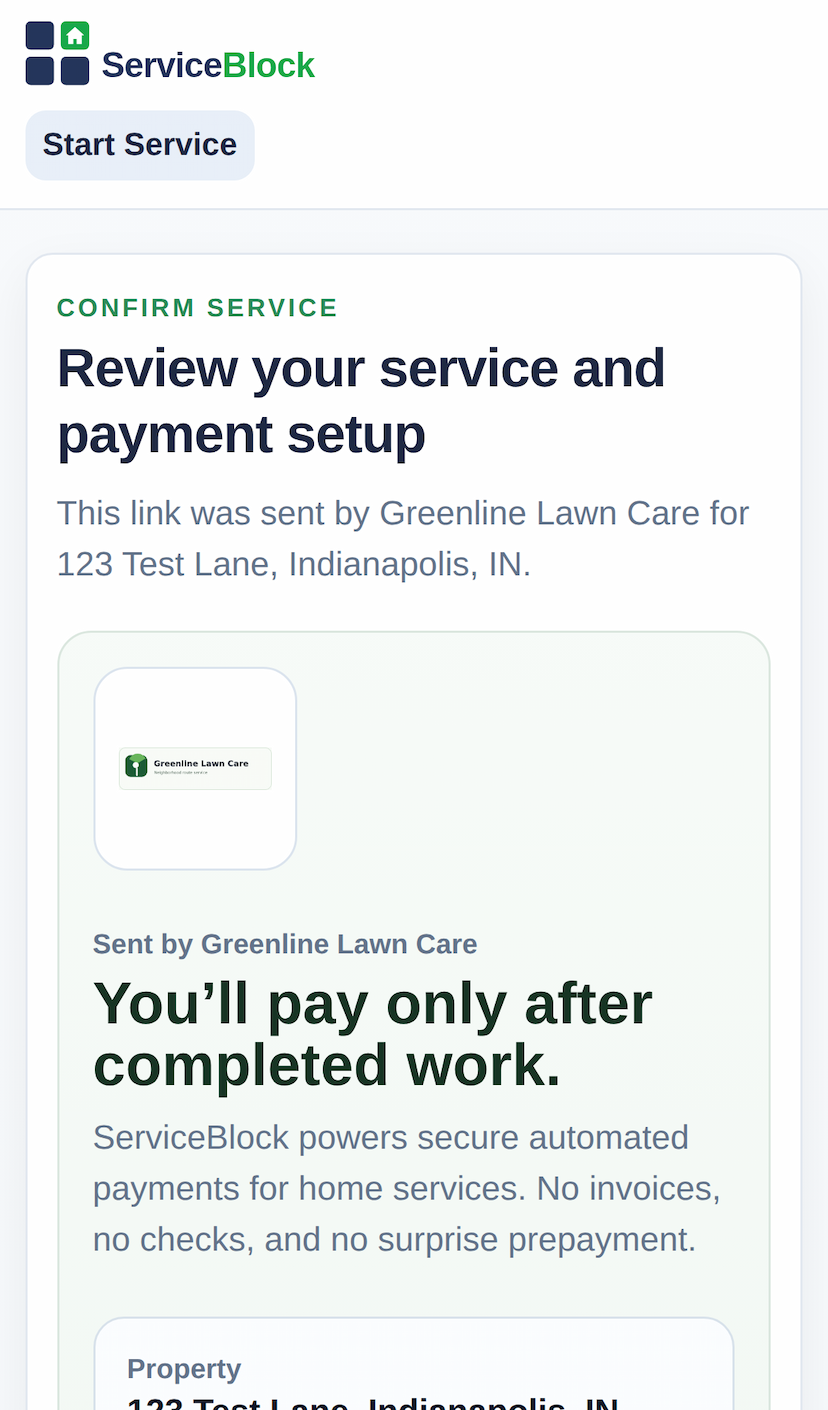
The first screen makes the service, payment timing, and next step easy to understand.
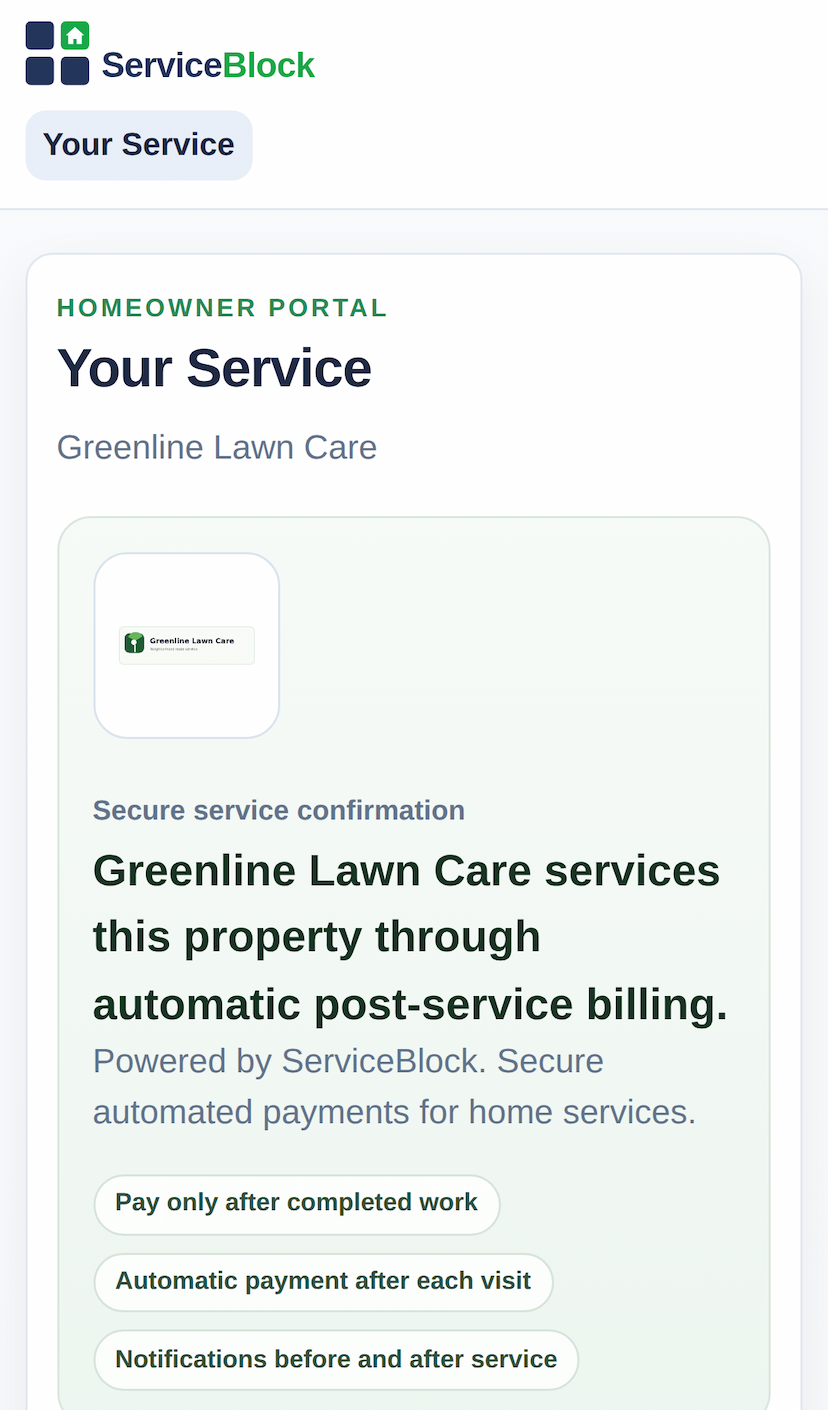
One link from the contractor keeps payment setup, updates, and proof easy to follow without another login.
After each visit, the service record stays easy to review so you are not left wondering what happened or why a charge ran.
These are the basics a homeowner usually wants to know before approving recurring service.
No. The contractor sends one secure link, and that is where you approve the work, add payment, and look back at the job record.
The quote screen shows the price, service schedule, and next step before you approve anything.
After the visit, the service record can show photos, timestamps, and other visit details so the job does not feel like a black box.
The same link keeps the quote, messages, billing, and visit record in one place, so you and the contractor are looking at the same job history.
Request service, review the quote, and know what is happening before and after the job.