How It Works

Your brand gets the work. You get paid automatically.

Your customers see your business — not ServiceBlock.

ServiceBlock handles the rest.

We are bringing on contractor accounts in batches during rollout.

The core flow

Here’s exactly what happens on a normal job.

  1. Step 1

    A homeowner comes through your flow

    The request comes in with the address and job details, so you can tell quickly whether it fits the route you already run.

  2. Step 2

    Send the quote and lock in payment setup

    Price the job clearly, send one link, and get the customer on the same page before you send a truck or helper.

  3. Step 3

    Run the stop from your phone

    The next-stop view keeps the route moving and makes it easy to finish the job without bouncing through office-style screens.

  4. Step 4

    Record the work and keep payment moving

    Photos, timestamps, and the visit record stay with the property, and payment can keep moving without another invoicing chase.

Why this works for contractors

The value is not abstract. It shows up in the shape of a normal day.

A route with 3 minutes between stops runs differently than one that crosses town for every job.
When payment setup is handled before the visit, the job does not turn into a second round of follow-up later that night.
When a homeowner asks what happened, the notes, timestamps, and proof are already tied to the property.

A real day on one street

This is the kind of route owner-operators understand immediately.

Monday route - Maple Street area

742 Maple St - Weekly service - $40

748 Maple St - Weekly service - $40

760 Maple St - Weekly service - $45

770 Maple St - Weekly service - $40

Drive time between jobs

2-3 minutes between stops

Total route

4 homes

~1 hour 40 minutes

$165 revenue

After the route

Proof of work recorded

Payment processed automatically

No invoicing required
What the day looks like on the phone

These are the screens that carry the work from stop to stop without getting in the way.

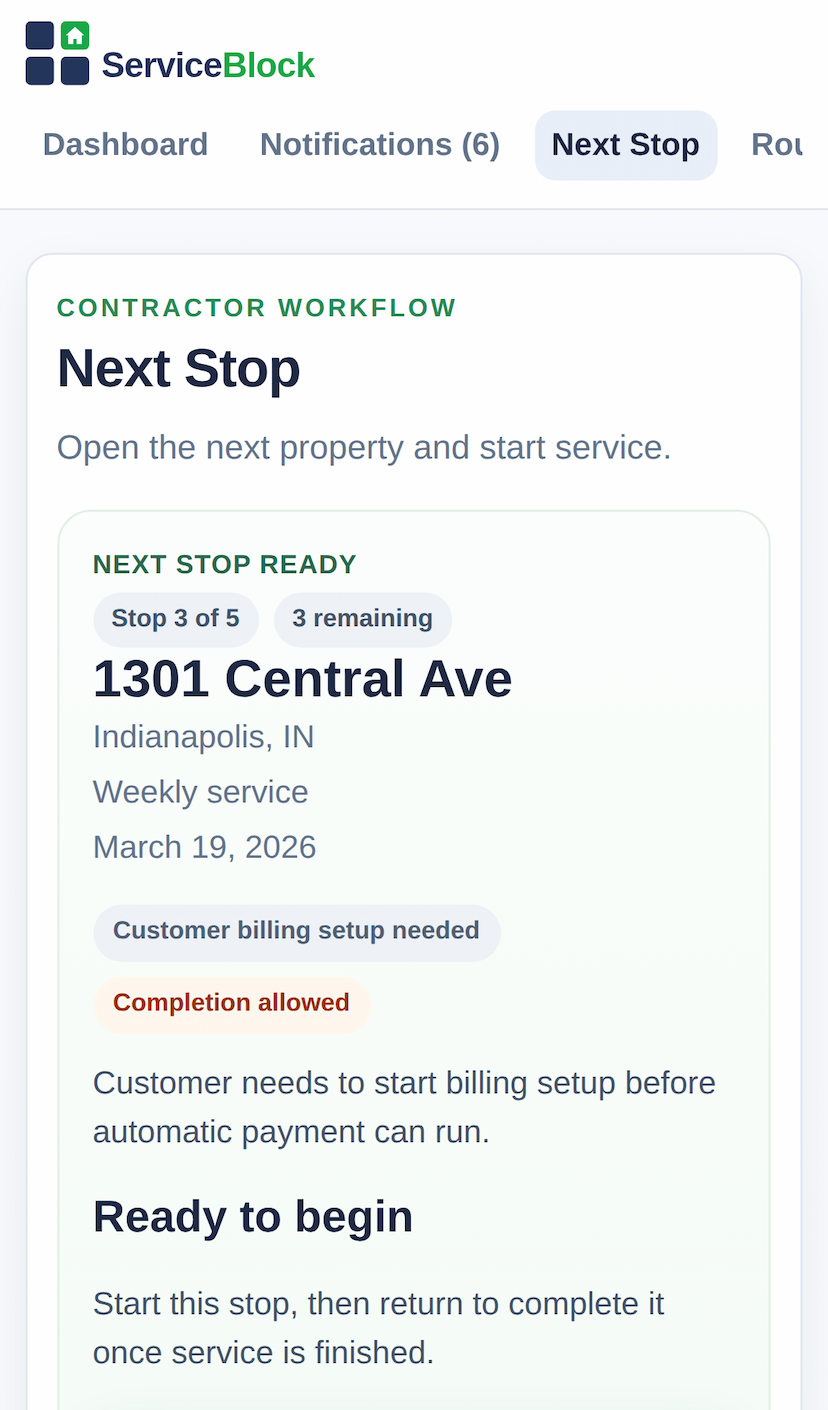
Mobile screenshot of the contractor next stop screen

Field flow starts at the next stop

The contractor opens the next property, sees the visit details, and keeps the route moving from the phone in hand.

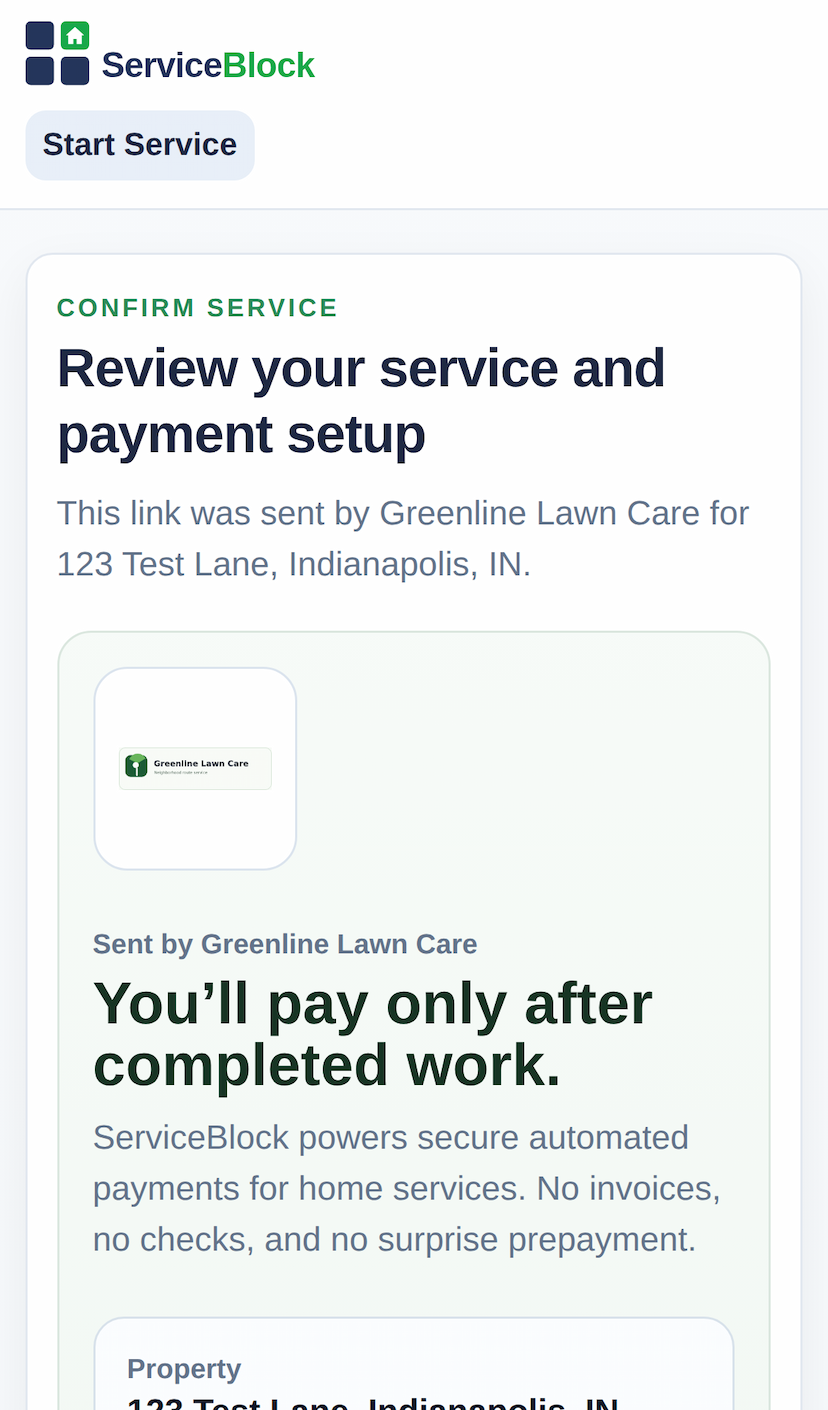
Mobile screenshot of the homeowner service confirmation and payment setup screen

The homeowner sees the setup clearly

Service, payment timing, and the next step stay clear before recurring work begins under the contractor’s brand.

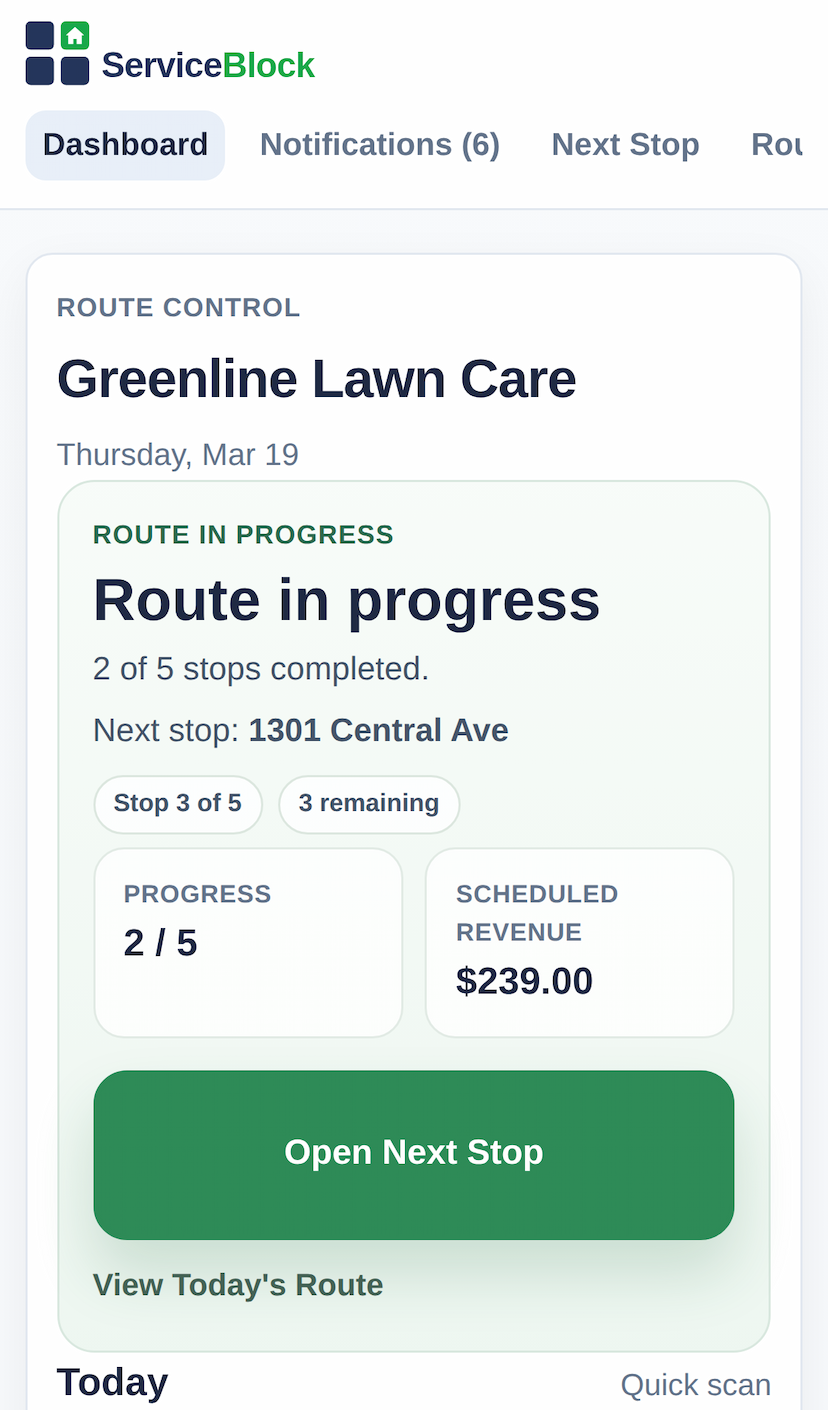
Mobile screenshot of the contractor owner view screen

The owner can still see what needs a look

Customers who still need payment set up, payout status, and route-change tools stay easy to find.

Know what needs attention next

The owner still needs a quick read on what is stuck: payment setup, route changes, and customer issues.

Proof of work and trust

This is how you avoid turning a simple service question into an argument.

Your customer sees a clear service record
Optional photos when proof matters
Timestamps tied to the visit
GPS as a backup signal, not the whole story
Payment timing shown clearly
No invoice chase after completed work

Homeowner side without another login

Homeowners get one secure link. They do not have to download an app or learn a new system.

  • Approve the work and confirm payment setup
  • Skip or delay service without searching for a login screen
  • Request extra work, message the contractor, and view completion proof

Stop chasing payments. Keep your name on the work.

Use ServiceBlock if you want a clearer path from request to completed job to paid work without handing the customer relationship to a platform.

No invoices. No payment chasing. Get paid automatically.